1
Upload the shot you have
A phone photo is enough. Add reference images when the same product has to stay recognisable across several edits.
Sunburst is the GPT Image 2.5 model built for edits: swap the background, rewrite the label, relight the shot, and leave the product exactly where it was. Same price per image as Flare.
WHAT SUNBURST IS FOR
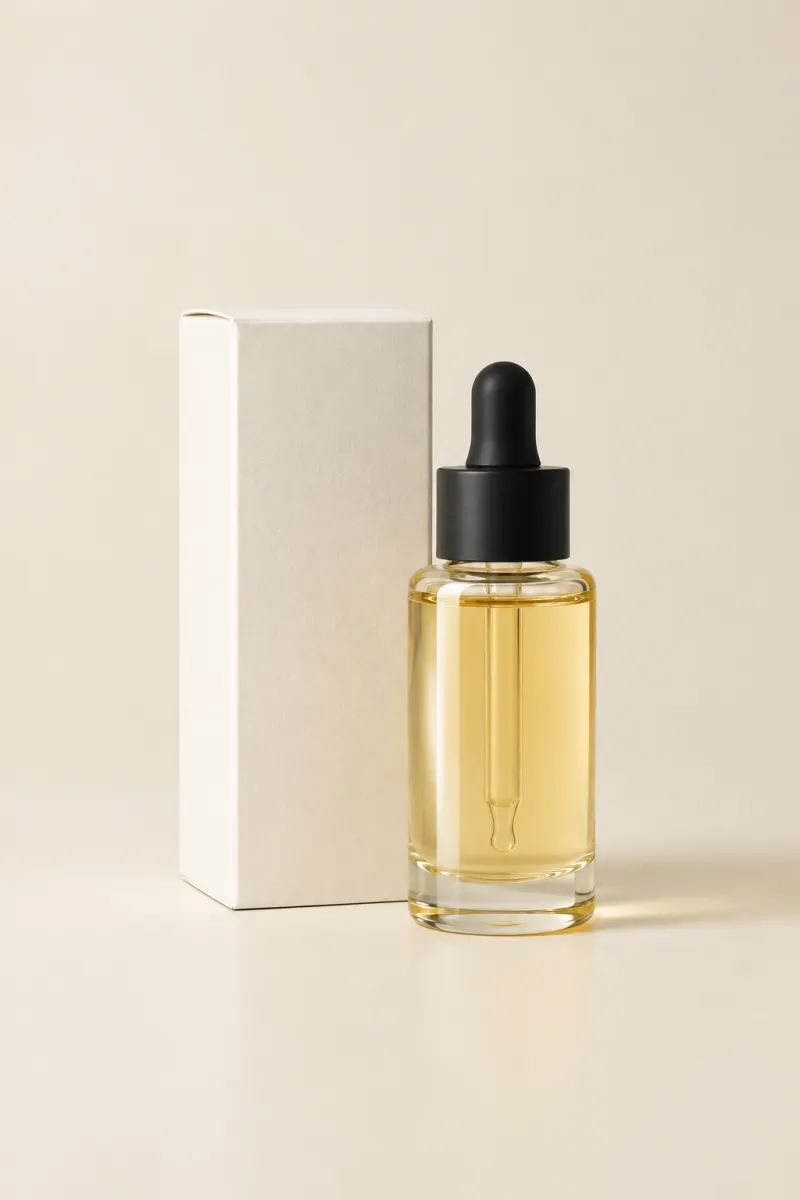
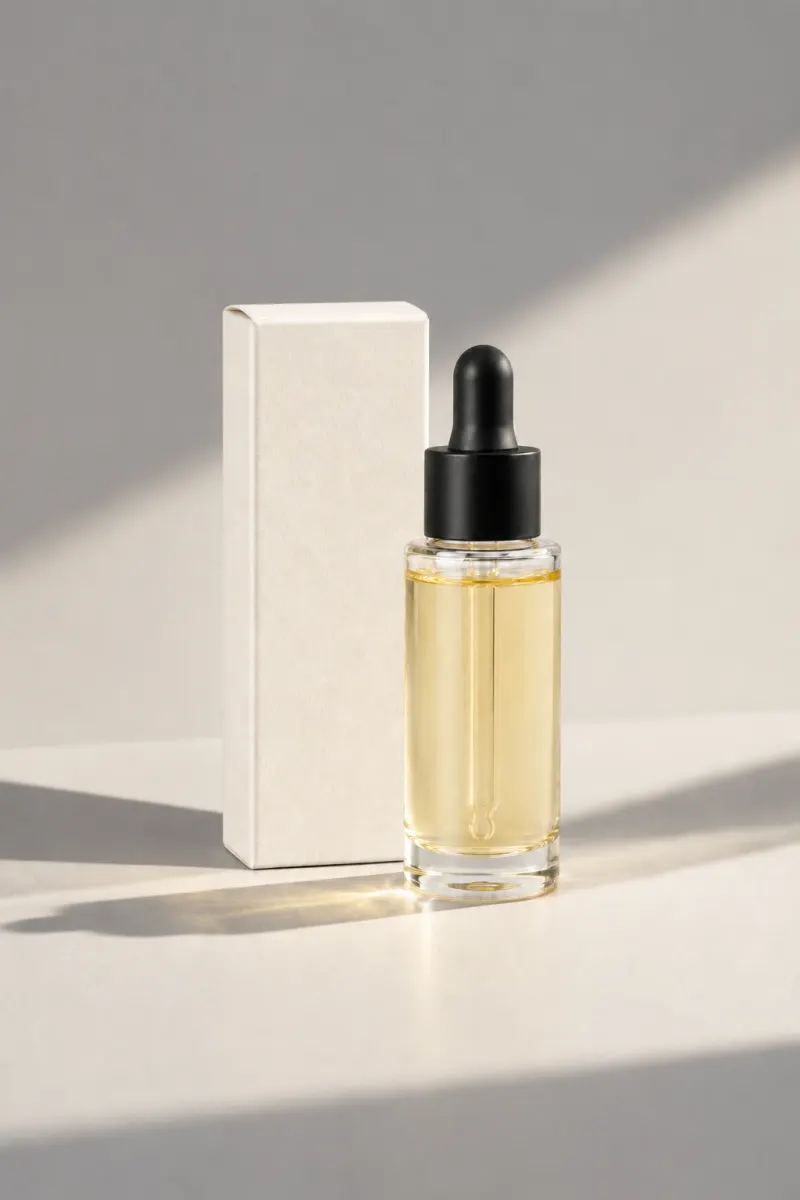
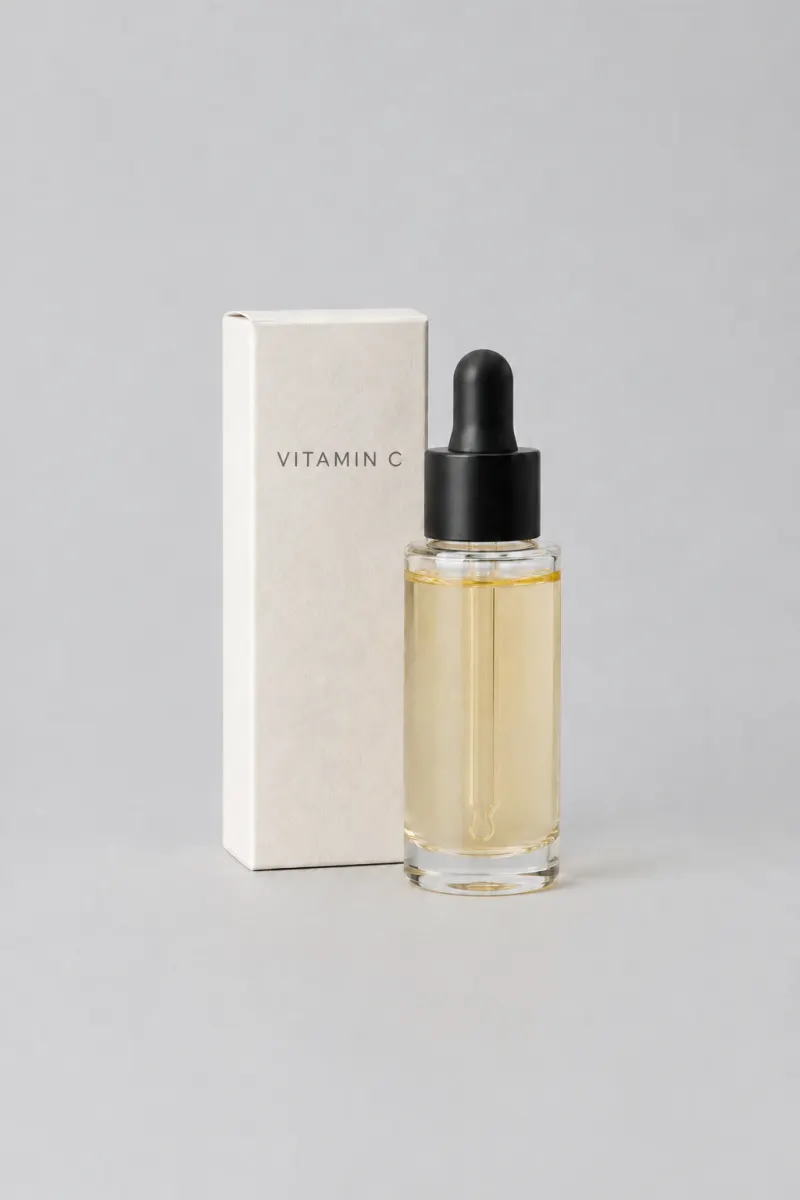
A skincare carton and pump bottle on a seamless sand-coloured studio backdrop, soft top light, a faint contact shadow, no props and no text
THE PROMPT BEHIND THIS RENDER
EDIT WHAT YOU ASK
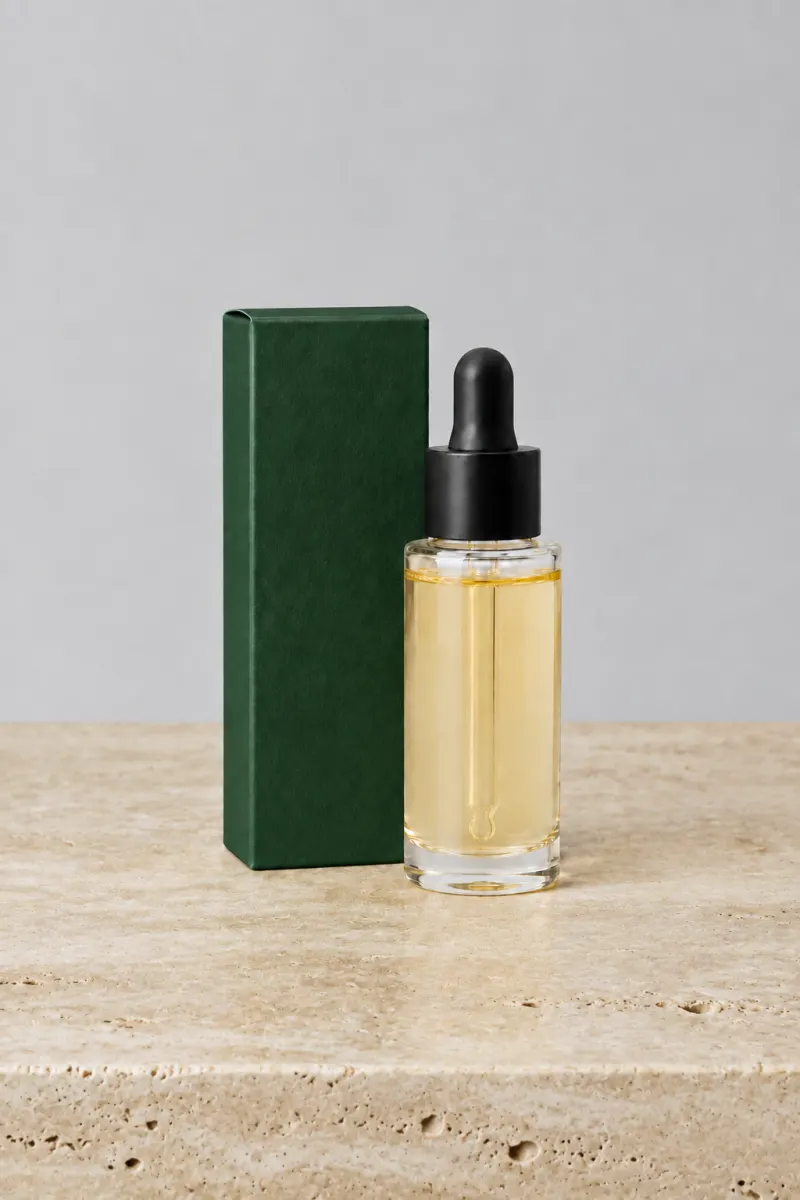
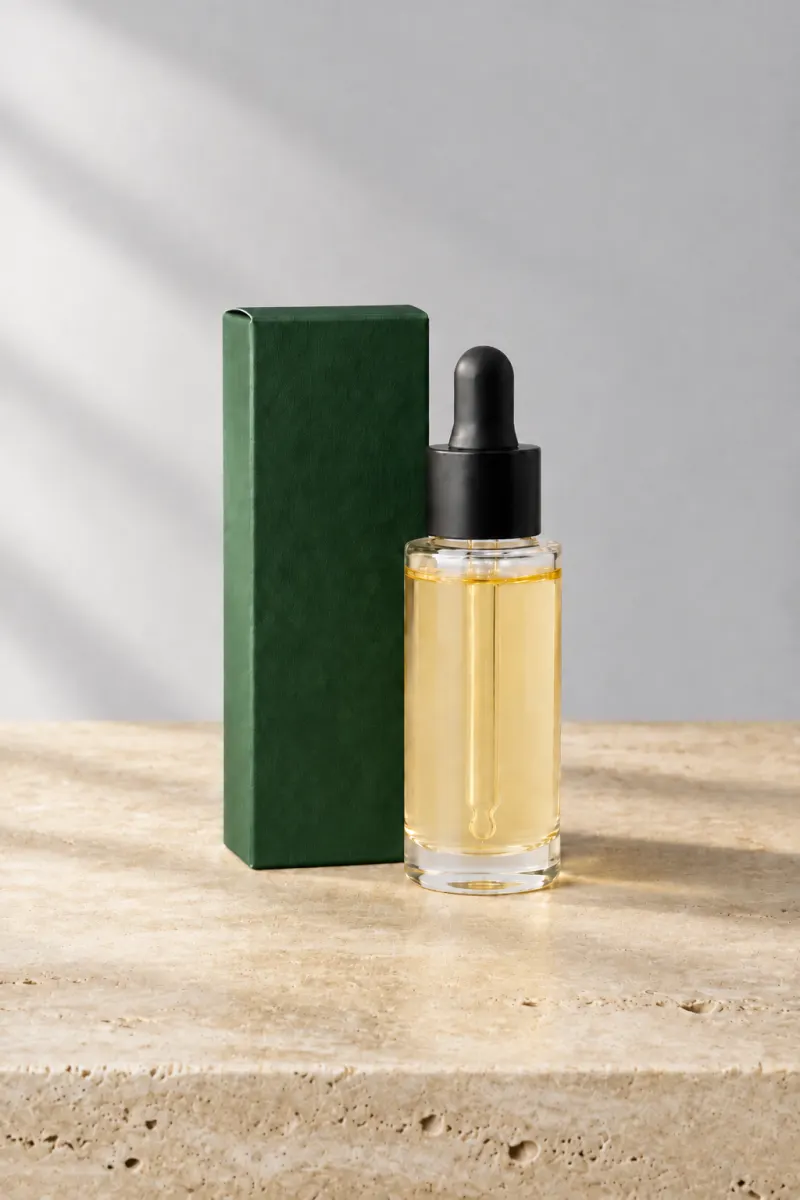
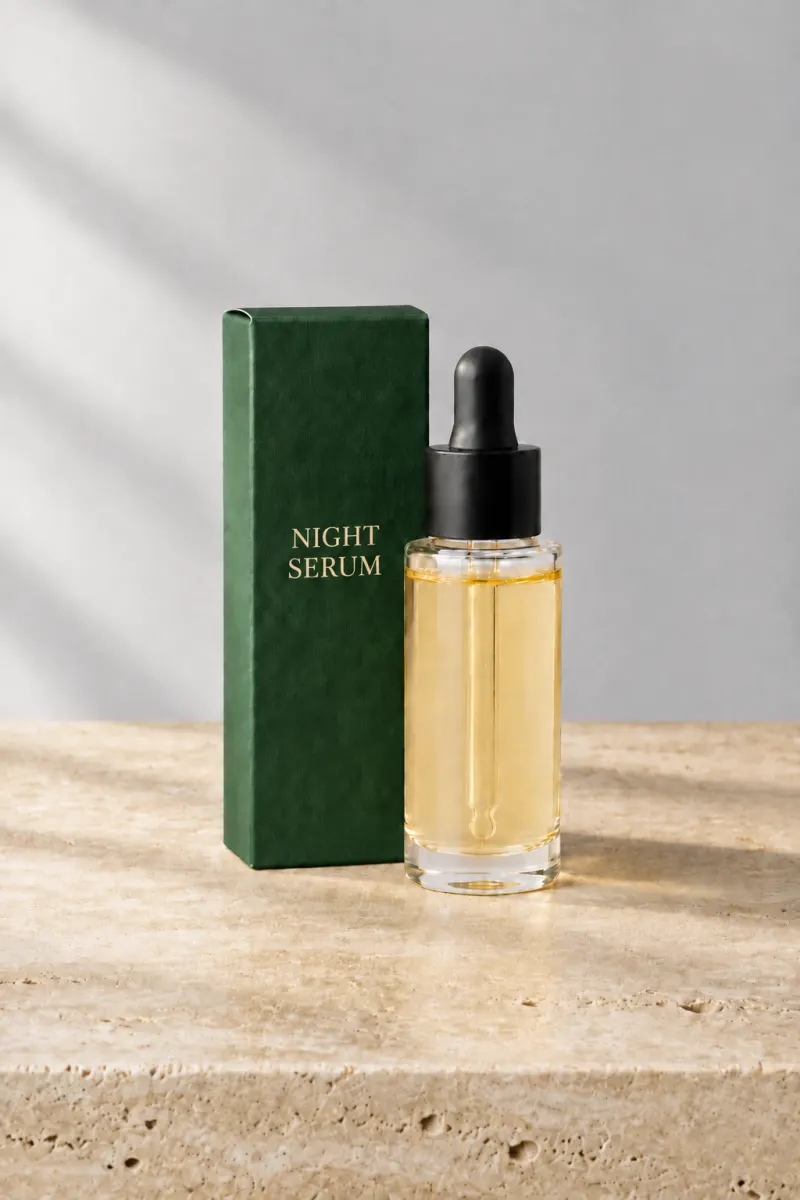
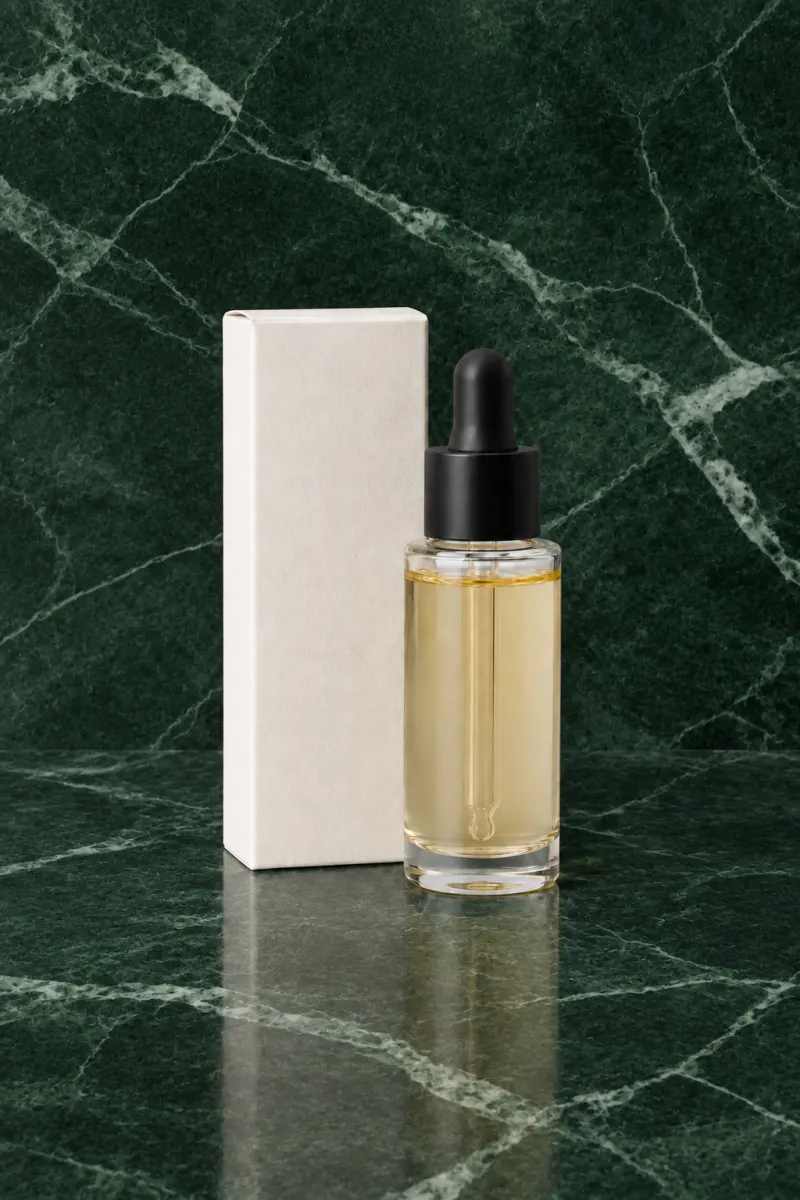
PromptKeep the carton, the bottle and the label artwork exactly as they are. Change only the box colour to deep forest green.
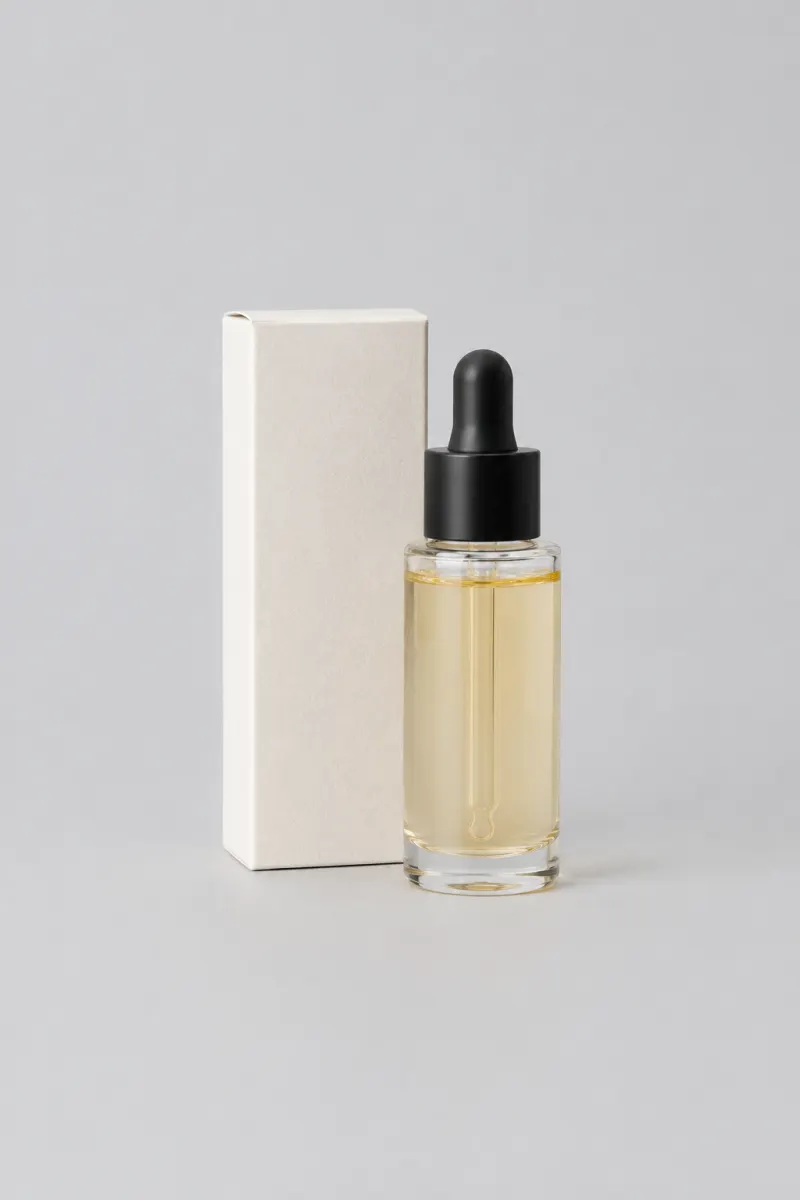
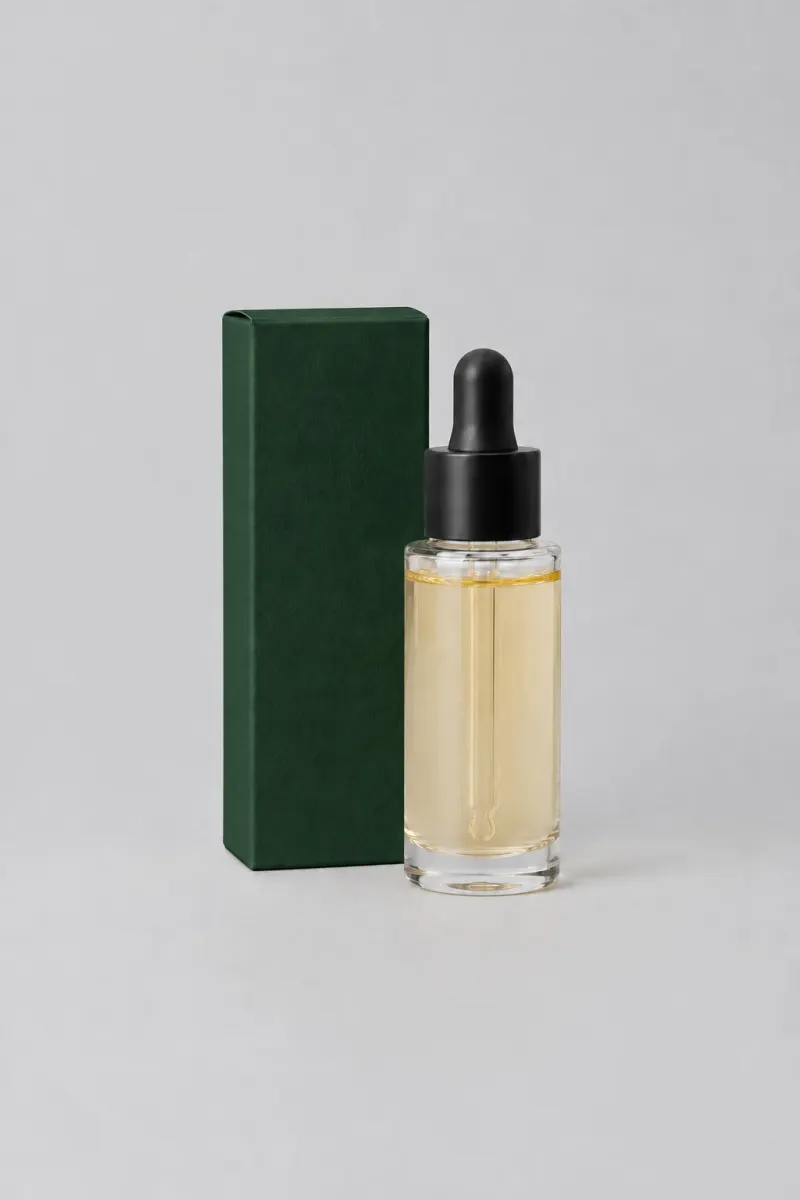
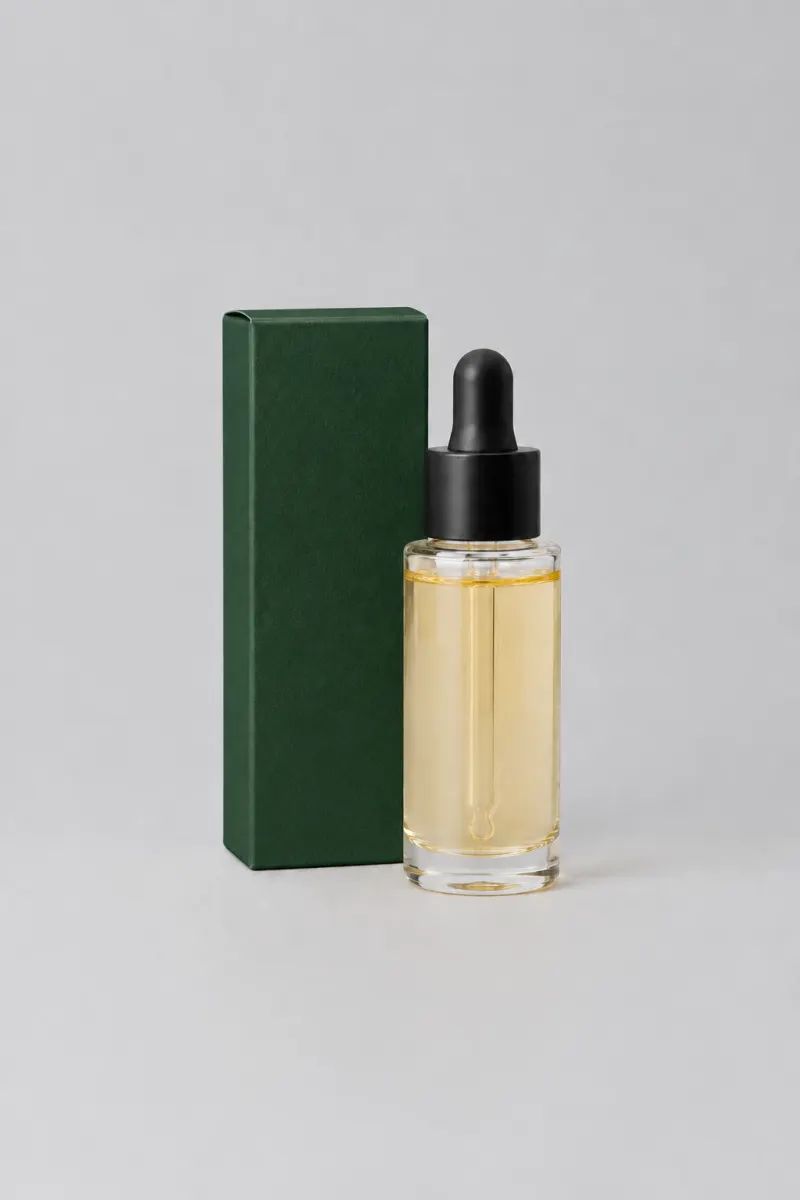
One pack, four edits, nothing else moved
HOW IT WORKS
The GPT Image 2.5 Sunburst generator at the top of this page is the whole thing. Credits come in at 4K and at batch runs.
1
A phone photo is enough. Add reference images when the same product has to stay recognisable across several edits.
2
"Change the box colour to deep forest green. Keep the carton, the bottle and the label artwork exactly as they are." One change per pass beats five in one sentence.
3
Put the input and the GPT Image 2.5 Sunburst render side by side, check the parts you did not ask to change, then download the file.
16
Reference images per prompt, so a set holds one look
4K
Largest GPT Image 2.5 Sunburst render, 3840 x 2160
4
Chained GPT Image 2.5 Sunburst edits in the example above
0
Visible watermarks on downloaded images
19 개 이미지 모델 전부를 같은 잔액으로 씁니다. 워터마크 없음, 플랜별 모델 잠금 없음, 유료 플랜은 모두 상업적 이용을 포함합니다.
연간 결제로 30% 절약
연간 결제하고 더 많이 절약하세요.
가장 낮은 입구입니다. 결정하기 전에 실제 업무 한 건을 돌려 볼 한 달치 크레딧입니다.
US$7.99/월
매월 갱신, 언제든지 취소 가능.
250 크레딧
모델에 따라 약 17~83 장
3.20¢ / 크레딧
매달 작은 건 하나를 끝내고 그 위에서 모든 모델을 시험해 볼 만한 양입니다.
US$29.9/월
매월 갱신, 언제든지 취소 가능.
1,000 크레딧
모델에 따라 약 71~333 장
2.99¢ / 크레딧
2개 동시 작업
카탈로그, 캠페인, 콘셉트 보드를 꾸준히 돌리는 양입니다.
US$49.9/월
매월 갱신, 언제든지 취소 가능.
2,000 크레딧
모델에 따라 약 142~666 장
2.50¢ / 크레딧
3개 동시 작업
스토어, 브랜드, 스튜디오, 대행사의 대량 납품용입니다.
US$89.9/월
매월 갱신, 언제든지 취소 가능.
5,000 크레딧
모델에 따라 약 357~1666 장
1.80¢ / 크레딧
5개 동시 작업
유연한 월간 구독.
매달 작은 건 하나를 끝내고 그 위에서 모든 모델을 시험해 볼 만한 양입니다.
US$19.9/월US$29.9
연간 $238.8로 청구됩니다. 매년 갱신되며 언제든지 취소 가능합니다.
월간 요금제 대비 연간 $120 절약
12,000 크레딧
모델에 따라 약 857~4000 장
1.99¢ / 크레딧
2개 동시 작업
카탈로그, 캠페인, 콘셉트 보드를 꾸준히 돌리는 양입니다.
US$34.9/월US$49.9
연간 $418.8로 청구됩니다. 매년 갱신되며, 언제든지 취소 가능합니다.
월간 요금제 대비 연간 $180 절약
24,000 크레딧
모델에 따라 약 1714~8000 장
1.75¢ / 크레딧
3개 동시 작업
스토어, 브랜드, 스튜디오, 대행사의 대량 납품용입니다.
US$62.9/월US$89.9
연간 $754.8로 청구됩니다. 매년 갱신되며, 언제든지 취소 가능합니다.
월간 요금제 대비 연간 $324 절약
60,000 크레딧
모델에 따라 약 4285~20000 장
1.26¢ / 크레딧
5개 동시 작업
충전한 크레딧은 12개월 동안 유효합니다.
가끔 필요한 경우를 위한 일회성 충전.
US$49.9
일회성 구매, 12개월 유효.
1,000 크레딧
모델에 따라 약 71~333 장
4.99¢ / 크레딧
더 나은 단가로 더 큰 일회성 충전.
US$198
일회성 구매, 12개월 동안 유효합니다.
4,800 크레딧
모델에 따라 약 342~1600 장
4.13¢ / 크레딧
5개 동시 작업
Bring the packshot or the listing frame that is stuck, not a test prompt. One account covers every model in the picker.
GPT IMAGE 2.5 IS OPENAI'S MODEL. THIS SITE IS INDEPENDENT AND NOT AFFILIATED WITH OPENAI.
FAQ
What Sunburst does to an existing image, what it costs, and where it still drifts.
Email supportGPT Image 2.5 Sunburst is one of the two models OpenAI shipped under GPT Image 2.5 on September 8, 2026. It is the sibling that follows edit instructions more precisely, which is why it is worth selecting when a render has to land on a specific detail. It carries the same GPT Image 2.5 quality work as Flare: better lighting, richer texture and stronger preservation of subjects from reference photos.
Both are GPT Image 2.5 and both cost the same per image. GPT Image 2.5 Sunburst is the one for precision edits on a shot that ships, and GPT Image 2.5 Flare is the faster one for drafting while the prompt is still changing. The usual split is one job, two halves: draft the set on Flare, then make the single change that matters on Sunburst.
Yes, and that is the reason to pick it. On GPT Image 2.5 Sunburst a narrow instruction lands more reliably, so a background swap, a colourway change or a label rewrite comes back closer to what you asked for. If you are generating from scratch rather than editing, the gap between the two models is small and Flare's speed is worth more.
Mostly, and not completely. GPT Image 2.5 Sunburst holds the subject, the composition and the label artwork better than the previous generation, but the edit is not pixel-locked: reflections and fine texture you did not ask to change can still move. That is why the walkthrough above ends with a side-by-side check against the original rather than a blind download.
A GPT Image 2.5 Sunburst image costs 3 to 21 credits depending on output size and quality, the same range Flare sits in, and the first render runs without a payment method. A chain of edits costs one render each, so plan for the passes rather than the finished file. Every model's rate is listed on the pricing page.
Yes, and that is the trade. GPT Image 2.5 Sunburst spends more time on each request because it is following the edit instruction more closely, so it takes longer to come back than Flare does. On a drafting loop that difference is annoying; on the one frame that goes to a client, it is the reason you picked it.
You can chain edits on GPT Image 2.5 Sunburst, and the subject holds up better than on the previous generation, but drift accumulates across a long chain. Two habits keep it under control: make one change per pass, and keep the earlier render as your reference so you can compare step four against step one. The four-step chain above is a real GPT Image 2.5 Sunburst run, not an illustration.
Yes, that is what the reference images are for. Attach the packshot along with the colourway or the model you want held, and GPT Image 2.5 Sunburst carries that look into the new frame instead of inventing a new one. Keep the reference set identical between renders; swapping one reference out mid-set is the usual reason a series suddenly stops matching.