1
Upload the shot you have
A phone photo is enough. Add reference images when the same product has to stay recognisable across several edits.
Sunburst is the GPT Image 2.5 model built for edits: swap the background, rewrite the label, relight the shot, and leave the product exactly where it was. Same price per image as Flare.
WHAT SUNBURST IS FOR
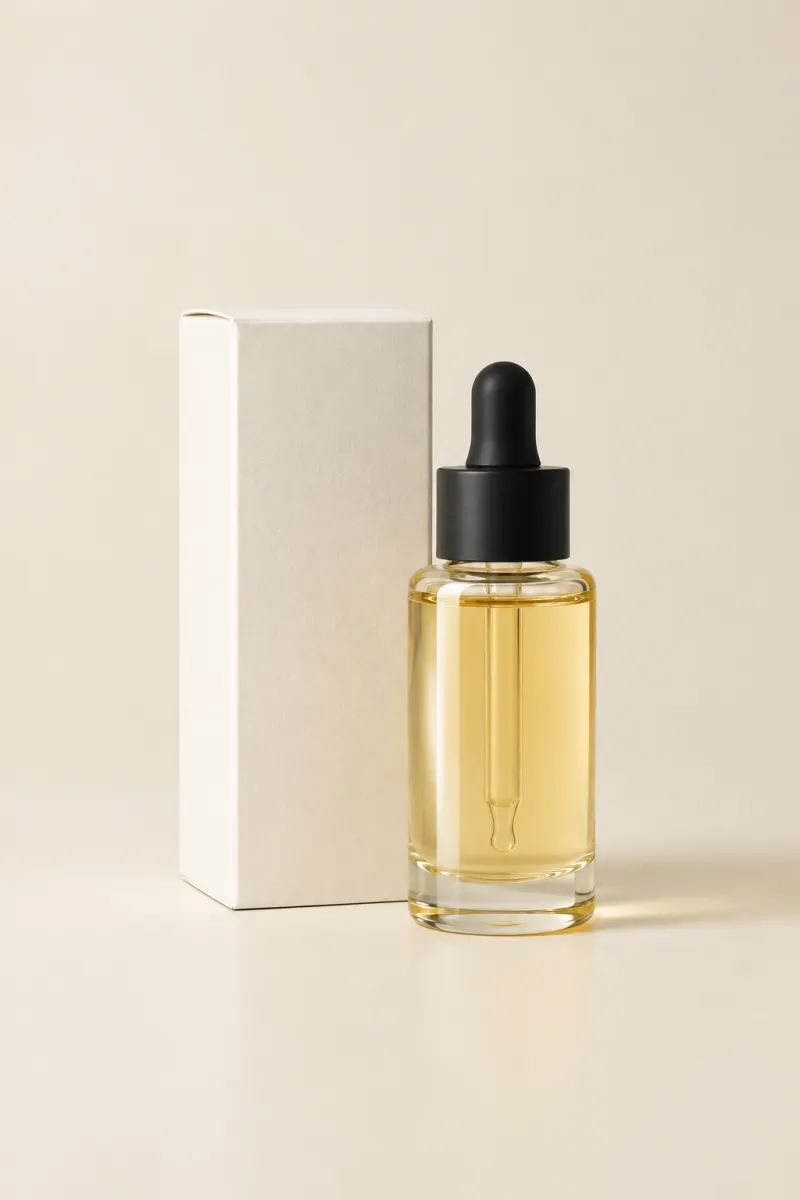
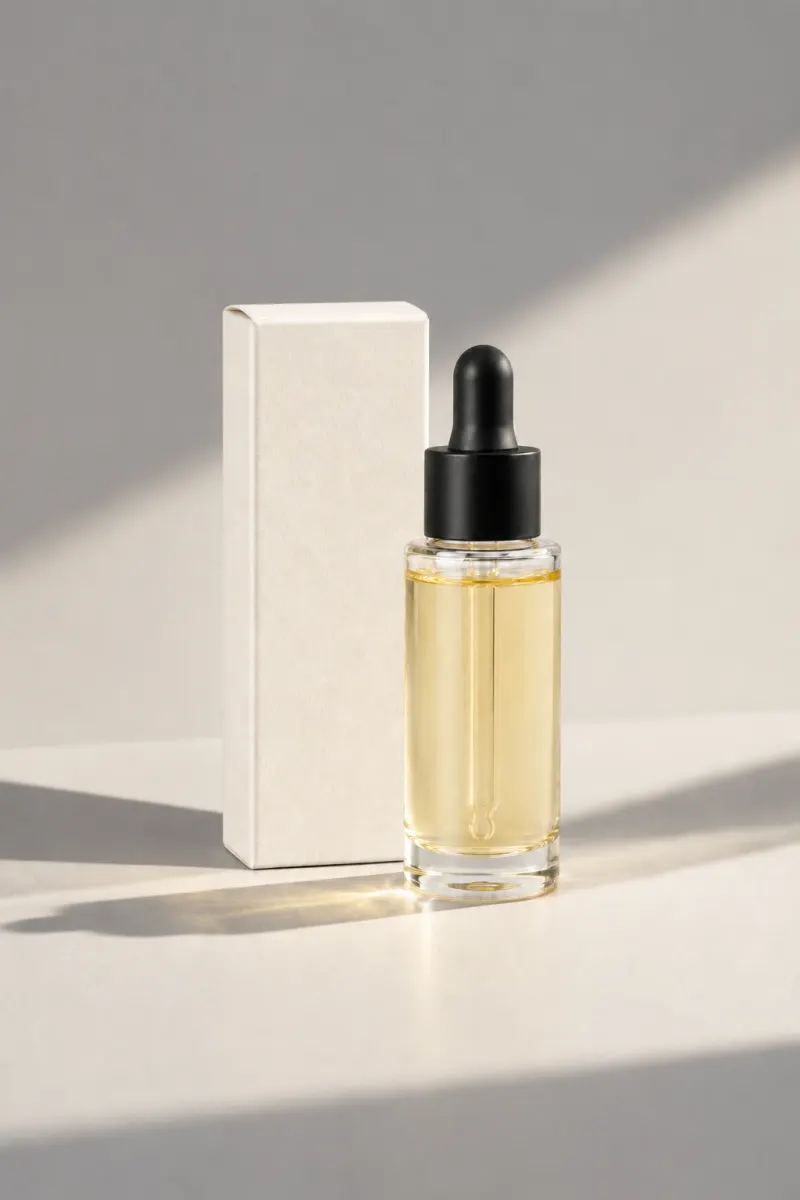
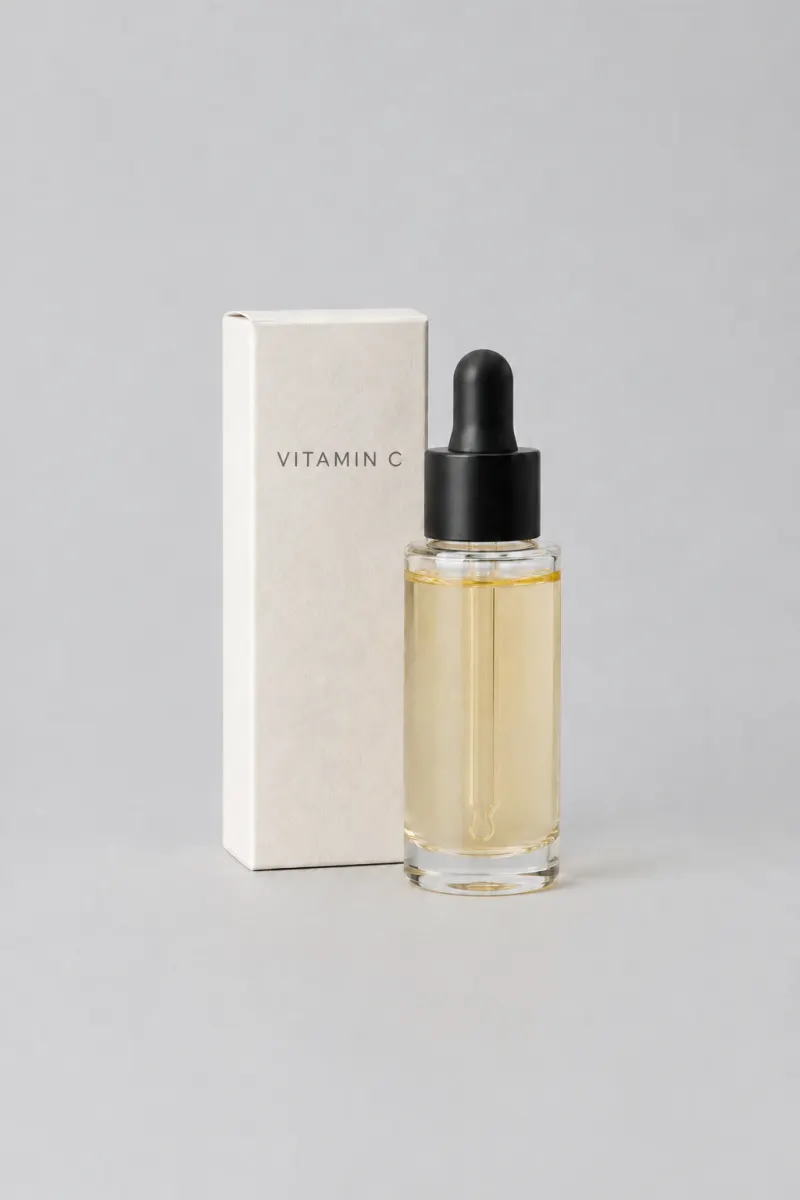
A skincare carton and pump bottle on a seamless sand-coloured studio backdrop, soft top light, a faint contact shadow, no props and no text
THE PROMPT BEHIND THIS RENDER
EDIT WHAT YOU ASK
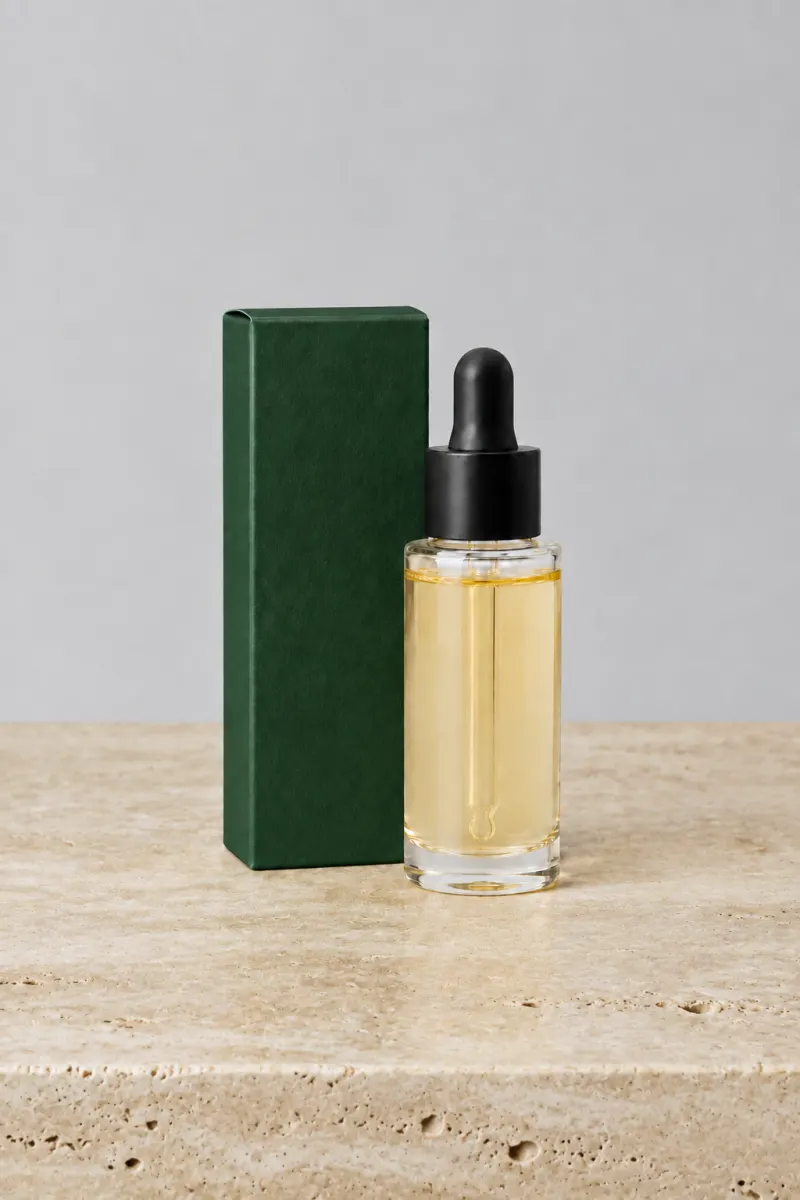
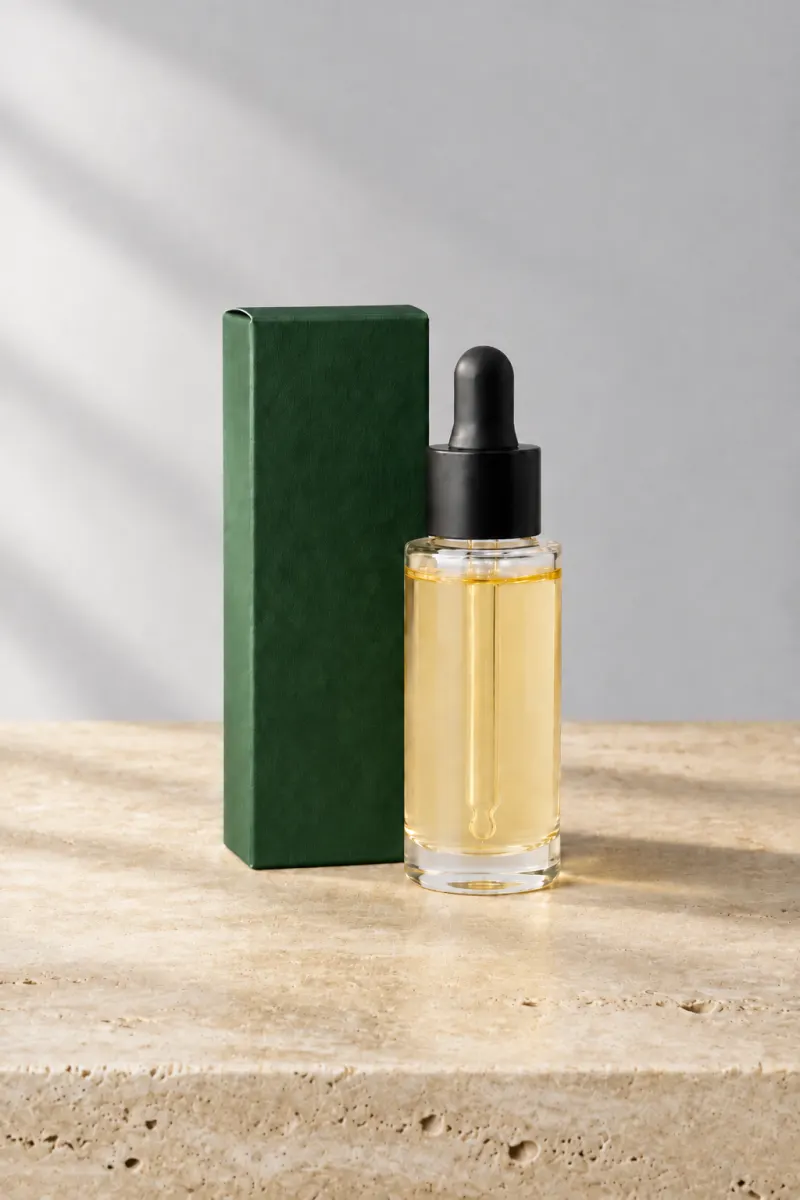
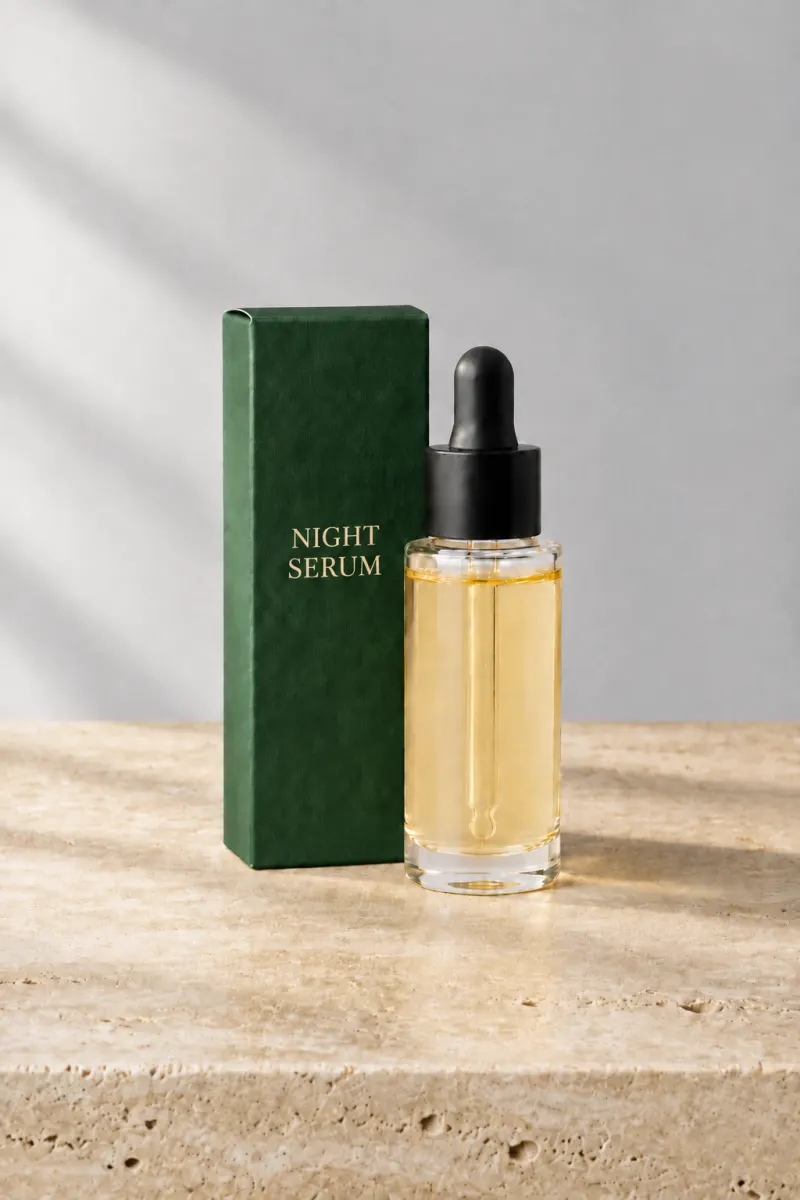
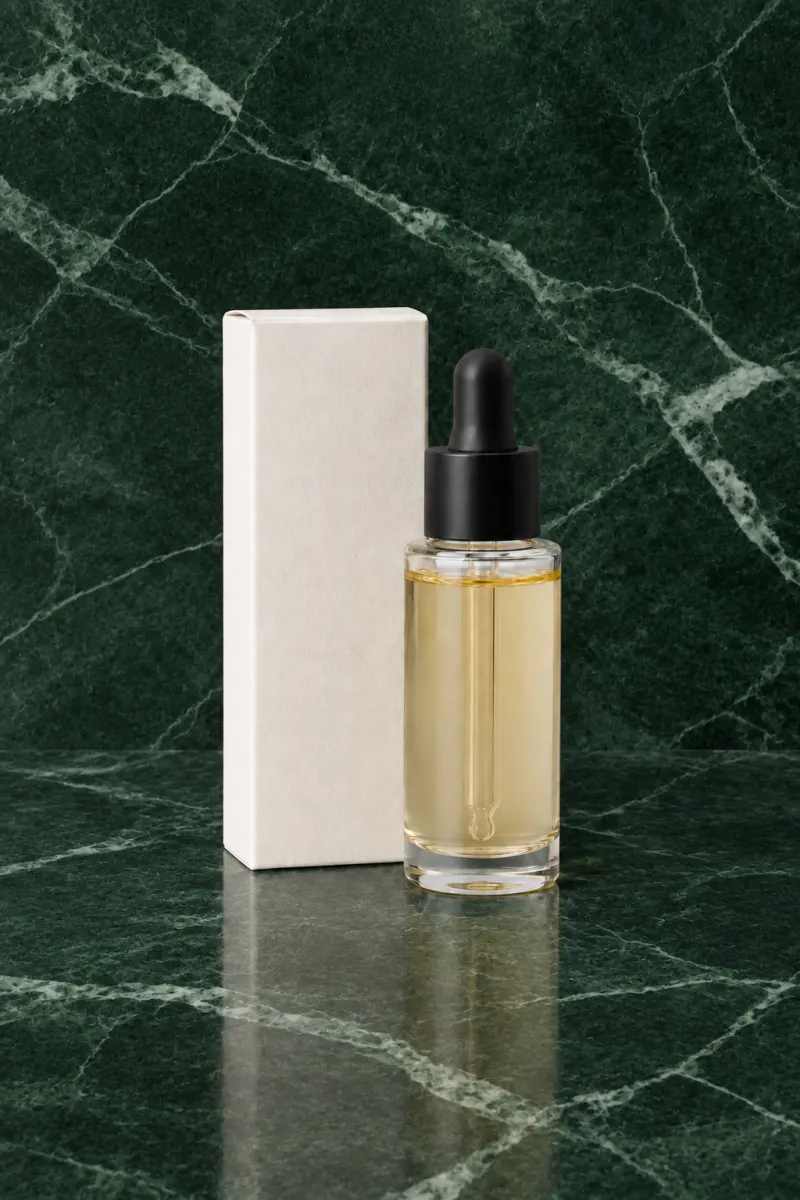
PromptKeep the carton, the bottle and the label artwork exactly as they are. Change only the box colour to deep forest green.
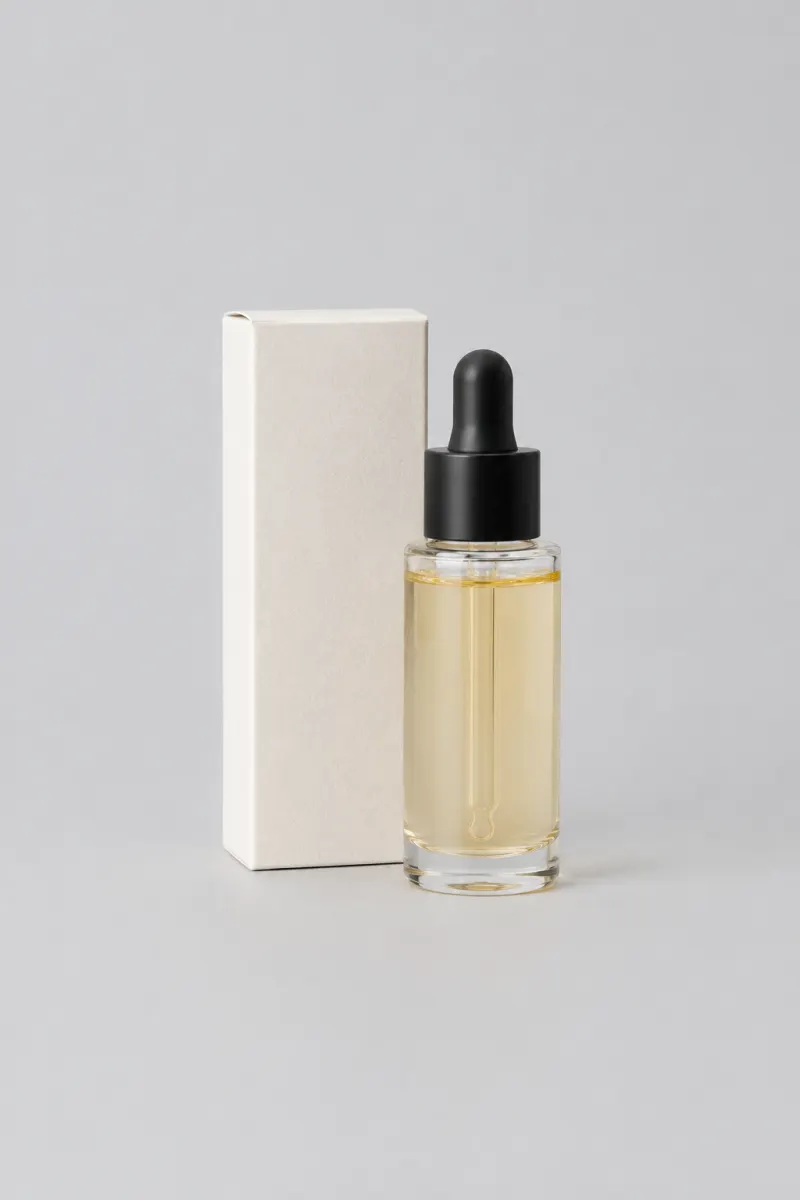
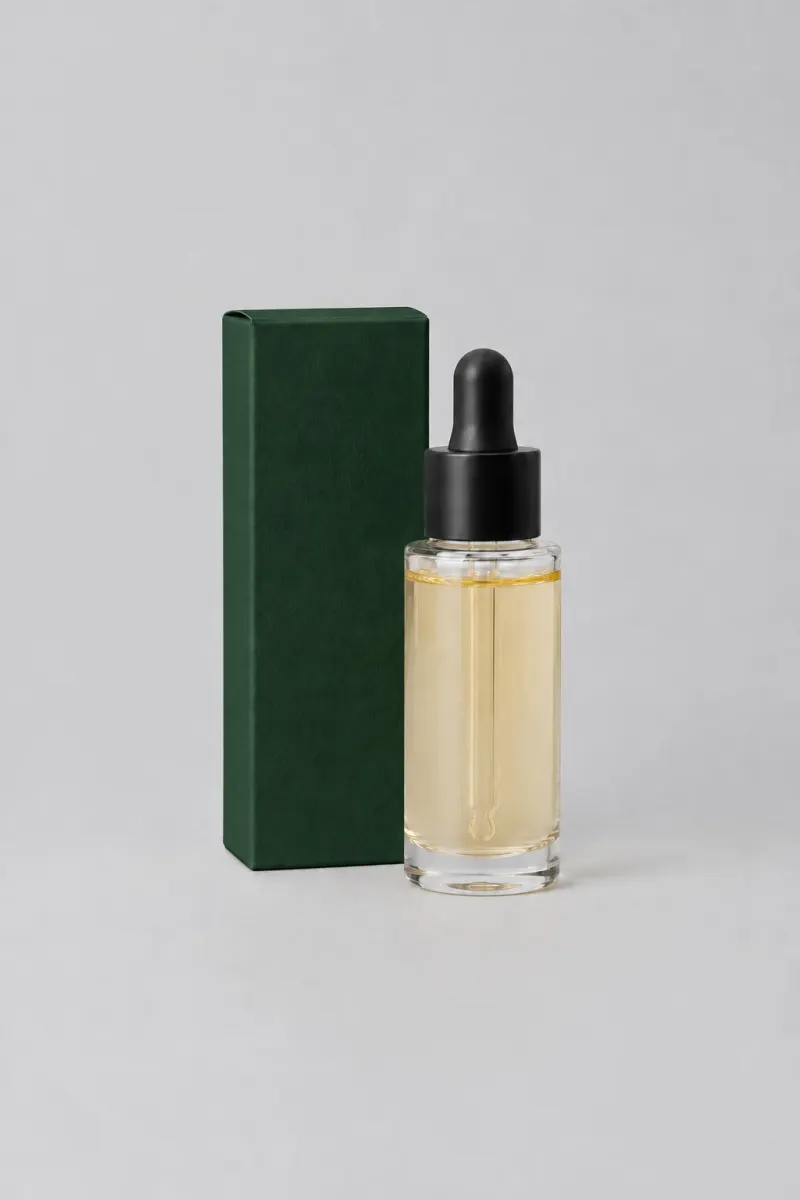
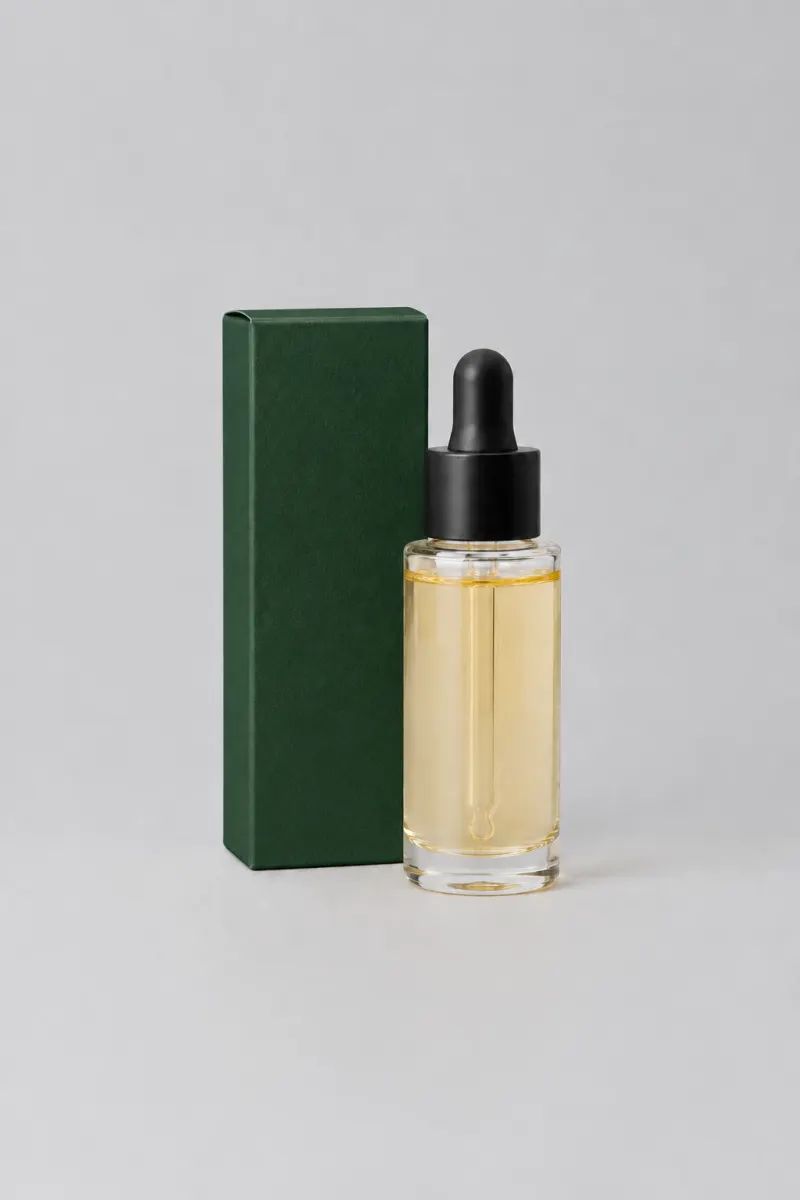
One pack, four edits, nothing else moved
HOW IT WORKS
The GPT Image 2.5 Sunburst generator at the top of this page is the whole thing. Credits come in at 4K and at batch runs.
1
A phone photo is enough. Add reference images when the same product has to stay recognisable across several edits.
2
"Change the box colour to deep forest green. Keep the carton, the bottle and the label artwork exactly as they are." One change per pass beats five in one sentence.
3
Put the input and the GPT Image 2.5 Sunburst render side by side, check the parts you did not ask to change, then download the file.
16
Reference images per prompt, so a set holds one look
4K
Largest GPT Image 2.5 Sunburst render, 3840 x 2160
4
Chained GPT Image 2.5 Sunburst edits in the example above
0
Visible watermarks on downloaded images
One balance across all 19 image models. No watermark, no tier-locked models, commercial use on every paid plan.
Save 30% billed annually
Flexible monthly subscription.
The lowest way in. One month of credits to run a real job through the models before you commit.
$7.99/mo
Renews monthly, cancel anytime.
250 credits
≈ 17–83 images, depending on the model
3.20¢ / credit
Enough credits to finish a small job each month and try every model on it.
$29.9/mo
Renews monthly, cancel anytime.
1,000 credits
≈ 71–333 images, depending on the model
2.99¢ / credit
2 parallel tasks
Steady output for a working catalogue, a campaign or a concept board.
$49.9/mo
Renews monthly, cancel anytime.
2,000 credits
≈ 142–666 images, depending on the model
2.50¢ / credit
3 parallel tasks
High-volume delivery for stores, brands, studios and agencies.
$89.9/mo
Renews monthly, cancel anytime.
5,000 credits
≈ 357–1666 images, depending on the model
1.80¢ / credit
5 parallel tasks
Pay yearly and save more.
Enough credits to finish a small job each month and try every model on it.
$19.9/mo$29.9
Billed yearly at $238.8. Renews yearly, cancel anytime.
Save $120/yr vs monthly
12,000 credits
≈ 857–4000 images, depending on the model
1.99¢ / credit
2 parallel tasks
Steady output for a working catalogue, a campaign or a concept board.
$34.9/mo$49.9
Billed yearly at $418.8. Renews yearly, cancel anytime.
Save $180/yr vs monthly
24,000 credits
≈ 1714–8000 images, depending on the model
1.75¢ / credit
3 parallel tasks
High-volume delivery for stores, brands, studios and agencies.
$62.9/mo$89.9
Billed yearly at $754.8. Renews yearly, cancel anytime.
Save $324/yr vs monthly
60,000 credits
≈ 4285–20000 images, depending on the model
1.26¢ / credit
5 parallel tasks
Top up credits valid for 12 months.
One-time top-up — perfect for occasional needs.
$49.9
One-time purchase, valid 12 months.
1,000 credits
≈ 71–333 images, depending on the model
4.99¢ / credit
Larger top-up with 20% bonus — best per-credit value for one-time buyers.
$198
One-time purchase, valid 12 months.
4,800 credits
≈ 342–1600 images, depending on the model
4.13¢ / credit
5 parallel tasks
Bring the packshot or the listing frame that is stuck, not a test prompt. One account covers every model in the picker.
GPT IMAGE 2.5 IS OPENAI'S MODEL. THIS SITE IS INDEPENDENT AND NOT AFFILIATED WITH OPENAI.
FAQ
What Sunburst does to an existing image, what it costs, and where it still drifts.
Email supportGPT Image 2.5 Sunburst is one of the two models OpenAI shipped under GPT Image 2.5 on September 8, 2026. It is the sibling that follows edit instructions more precisely, which is why it is worth selecting when a render has to land on a specific detail. It carries the same GPT Image 2.5 quality work as Flare: better lighting, richer texture and stronger preservation of subjects from reference photos.
Both are GPT Image 2.5 and both cost the same per image. GPT Image 2.5 Sunburst is the one for precision edits on a shot that ships, and GPT Image 2.5 Flare is the faster one for drafting while the prompt is still changing. The usual split is one job, two halves: draft the set on Flare, then make the single change that matters on Sunburst.
Yes, and that is the reason to pick it. On GPT Image 2.5 Sunburst a narrow instruction lands more reliably, so a background swap, a colourway change or a label rewrite comes back closer to what you asked for. If you are generating from scratch rather than editing, the gap between the two models is small and Flare's speed is worth more.
Mostly, and not completely. GPT Image 2.5 Sunburst holds the subject, the composition and the label artwork better than the previous generation, but the edit is not pixel-locked: reflections and fine texture you did not ask to change can still move. That is why the walkthrough above ends with a side-by-side check against the original rather than a blind download.
A GPT Image 2.5 Sunburst image costs 3 to 21 credits depending on output size and quality, the same range Flare sits in, and the first render runs without a payment method. A chain of edits costs one render each, so plan for the passes rather than the finished file. Every model's rate is listed on the pricing page.
Yes, and that is the trade. GPT Image 2.5 Sunburst spends more time on each request because it is following the edit instruction more closely, so it takes longer to come back than Flare does. On a drafting loop that difference is annoying; on the one frame that goes to a client, it is the reason you picked it.
You can chain edits on GPT Image 2.5 Sunburst, and the subject holds up better than on the previous generation, but drift accumulates across a long chain. Two habits keep it under control: make one change per pass, and keep the earlier render as your reference so you can compare step four against step one. The four-step chain above is a real GPT Image 2.5 Sunburst run, not an illustration.
Yes, that is what the reference images are for. Attach the packshot along with the colourway or the model you want held, and GPT Image 2.5 Sunburst carries that look into the new frame instead of inventing a new one. Keep the reference set identical between renders; swapping one reference out mid-set is the usual reason a series suddenly stops matching.