1
Name the product and the surface
"A perfume bottle on a wet slate shelf at dusk, one hard side light" is enough. Add "no text" to keep the frame clean.
Flare is the default half of GPT Image 2.5, about 50% less waiting than Images 2.0 at the same price as Sunburst. Draft the whole set here, then re-render the one that goes live.
WHAT FLARE IS FOR

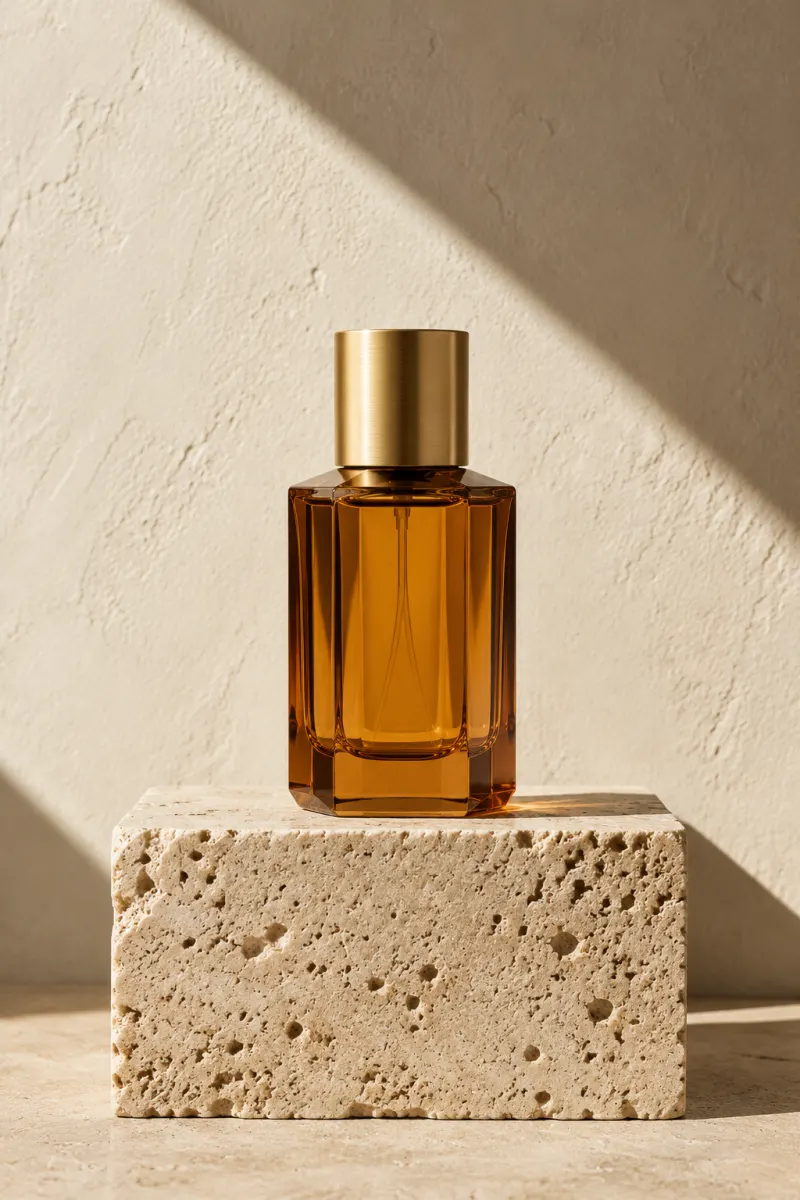
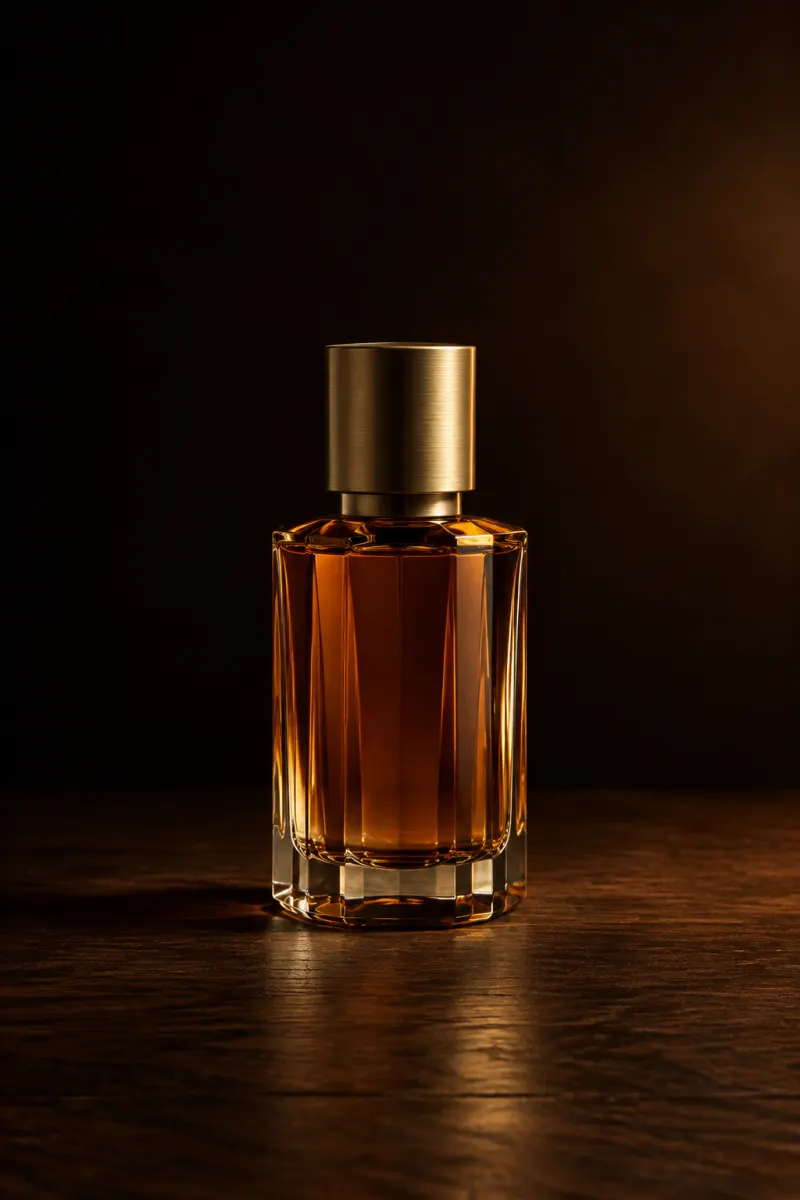
A perfume bottle on a wet slate shelf at dusk, a loose arrangement of white peonies behind it, one hard side light, deep shadow on the left, no text
THE PROMPT BEHIND THIS RENDER
EDIT AT DRAFT SPEED
PromptKeep the perfume bottle and the floral arrangement exactly as they are. Move the campaign from a marble ledge to a wet slate shelf at dusk.


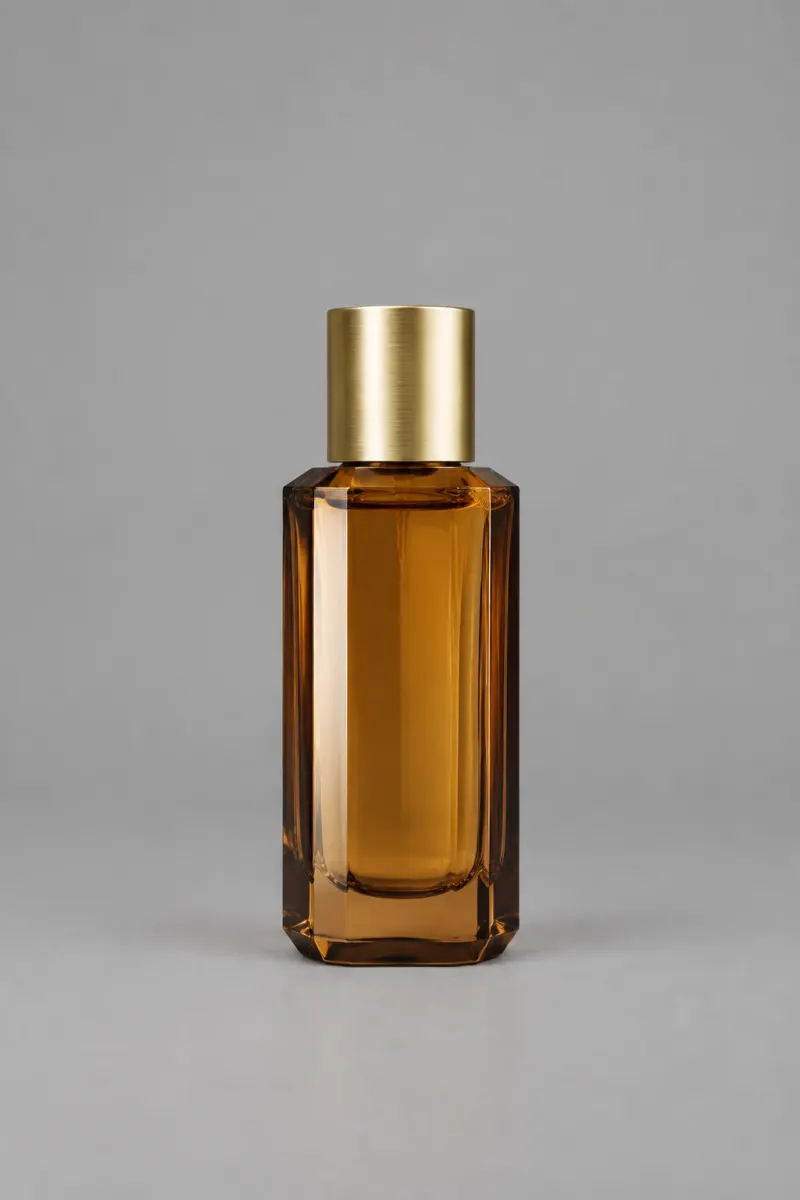
One prompt, four renders, one sitting

HOW IT WORKS
The GPT Image 2.5 Flare generator at the top of this page is the whole thing. Credits come in at 4K and at batch runs.
1
"A perfume bottle on a wet slate shelf at dusk, one hard side light" is enough. Add "no text" to keep the frame clean.
2
Square for a grid, 16:9 for a banner, 2160x3840 for a poster. Leave quality on auto the first time.
3
Flare is the model to iterate on, so keep the prompt and change one noun. Download the final at high quality with no watermark.
-50%
Latency versus Images 2.0, OpenAI's figure for GPT Image 2.5 Flare
16
Reference images per prompt, so a set holds one look
4K
Largest GPT Image 2.5 Flare render, 3840 x 2160
0
Visible watermarks on downloaded images
One balance across all 19 image models. No watermark, no tier-locked models, commercial use on every paid plan.
Save 30% billed annually
Flexible monthly subscription.
The lowest way in. One month of credits to run a real job through the models before you commit.
$7.99/mo
Renews monthly, cancel anytime.
250 credits
≈ 17–83 images, depending on the model
3.20¢ / credit
Enough credits to finish a small job each month and try every model on it.
$29.9/mo
Renews monthly, cancel anytime.
1,000 credits
≈ 71–333 images, depending on the model
2.99¢ / credit
2 parallel tasks
Steady output for a working catalogue, a campaign or a concept board.
$49.9/mo
Renews monthly, cancel anytime.
2,000 credits
≈ 142–666 images, depending on the model
2.50¢ / credit
3 parallel tasks
High-volume delivery for stores, brands, studios and agencies.
$89.9/mo
Renews monthly, cancel anytime.
5,000 credits
≈ 357–1666 images, depending on the model
1.80¢ / credit
5 parallel tasks
Pay yearly and save more.
Enough credits to finish a small job each month and try every model on it.
$19.9/mo$29.9
Billed yearly at $238.8. Renews yearly, cancel anytime.
Save $120/yr vs monthly
12,000 credits
≈ 857–4000 images, depending on the model
1.99¢ / credit
2 parallel tasks
Steady output for a working catalogue, a campaign or a concept board.
$34.9/mo$49.9
Billed yearly at $418.8. Renews yearly, cancel anytime.
Save $180/yr vs monthly
24,000 credits
≈ 1714–8000 images, depending on the model
1.75¢ / credit
3 parallel tasks
High-volume delivery for stores, brands, studios and agencies.
$62.9/mo$89.9
Billed yearly at $754.8. Renews yearly, cancel anytime.
Save $324/yr vs monthly
60,000 credits
≈ 4285–20000 images, depending on the model
1.26¢ / credit
5 parallel tasks
Top up credits valid for 12 months.
One-time top-up — perfect for occasional needs.
$49.9
One-time purchase, valid 12 months.
1,000 credits
≈ 71–333 images, depending on the model
4.99¢ / credit
Larger top-up with 20% bonus — best per-credit value for one-time buyers.
$198
One-time purchase, valid 12 months.
4,800 credits
≈ 342–1600 images, depending on the model
4.13¢ / credit
5 parallel tasks
Bring the shot you actually have to deliver this week, not a test prompt. One account covers every model in the picker.

GPT IMAGE 2.5 IS OPENAI'S MODEL. THIS SITE IS INDEPENDENT AND NOT AFFILIATED WITH OPENAI.
FAQ
What Flare is, how it differs from Sunburst, and what a render costs.
Email supportGPT Image 2.5 Flare is one of the two models OpenAI shipped under GPT Image 2.5 on September 8, 2026, and it is the default one. Flare is the faster sibling: OpenAI puts it at roughly 50% lower latency than Images 2.0. It shares the whole of GPT Image 2.5's quality work, so better lighting, richer texture and stronger subject preservation from reference photos all apply to Flare as well.
Both are part of GPT Image 2.5 and both cost the same per image, so pick by job rather than by price. GPT Image 2.5 Flare is the one to use while the prompt is still moving, because you get more attempts per minute. GPT Image 2.5 Sunburst, the other model in the family, is the one to use on the frame that actually ships, because it follows edit instructions more precisely.
Yes. GPT Image 2.5 Flare is the faster of the two models in the family, and it is the default in the picker on this page for that reason. The gap shows up over a working session rather than on a single render, which is why Flare is worth leaving selected while you are still rewriting the prompt.
Not in image quality. Flare and Sunburst are both GPT Image 2.5, with the same lighting, texture and reference handling. The difference is where the extra seconds go: Sunburst spends them following edit instructions more closely, so it lands a precise local change more reliably. If your job is one clean render from one prompt, Flare is not the weaker choice.
A GPT Image 2.5 Flare render costs 3 to 21 credits depending on output size and quality, and the first render runs without a payment method. Larger sizes and high quality cost more, so draft at low quality while the composition is still changing. The full rate for every model is on the pricing page.
Yes. You can upload a photo and describe the change, or send one of your own GPT Image 2.5 Flare renders back through editing to fix a single detail. Attach reference images when a product, character or colour needs to stay consistent. Editing is not pixel-locked, so verify the parts you did not ask to change before publishing.
It is the model to use for the drafting half of the job. A catalogue set is twenty near-identical frames, and GPT Image 2.5 Flare gets you through those attempts faster than Sunburst does. Keep the same prompt and change one noun per frame, then move the frames that carry the listing to Sunburst for the final pass.
Start low. Low and medium cost the same at 1K on GPT Image 2.5 Flare, so there is nothing to save by dropping to low at that size. High is worth its extra credits once the frame is settled and you are rendering the file that ships, because that is where fine texture and small labels hold up.